0→1 consumer app design
From idea to the App Store and Play Store — native iOS/macOS, cross-platform design systems, handed off build-ready in SwiftUI.
Three ways we can work together
Each starts with a conversation — no pressure, just figuring out if we're a fit.
iOS & SwiftUI Design Systems
Native SwiftUI design systems that actually get adopted — token architecture, full component states, accessibility built in, and docs your team (and their AI tools) can extend. Three fixed-scope tiers, shipped as a Figma library and production-ready SwiftUI, side by side.
App Design 0 → 1
A design partner to own your whole product surface, from a rough idea to a pixel-perfect app ready to launch — research, flows, prototypes, and production-ready SwiftUI, validated with real usability testing before you ship.
Best for founders taking a consumer app from concept to the App Store who want one design partner owning the whole surface.
AI Feature UX Design
AI experiences people actually trust — intuitive flows, transparency patterns, graceful fallbacks, and the messy edge cases handled. Proven on shipped AI features that became #1 engagement drivers.
Best for teams shipping an AI feature who know the model is only half the job — the other half is whether anyone trusts it enough to use it.
Designed, built, and shipped.
Production apps I've taken from zero to the App Store — design, SwiftUI implementation, and everything in between.
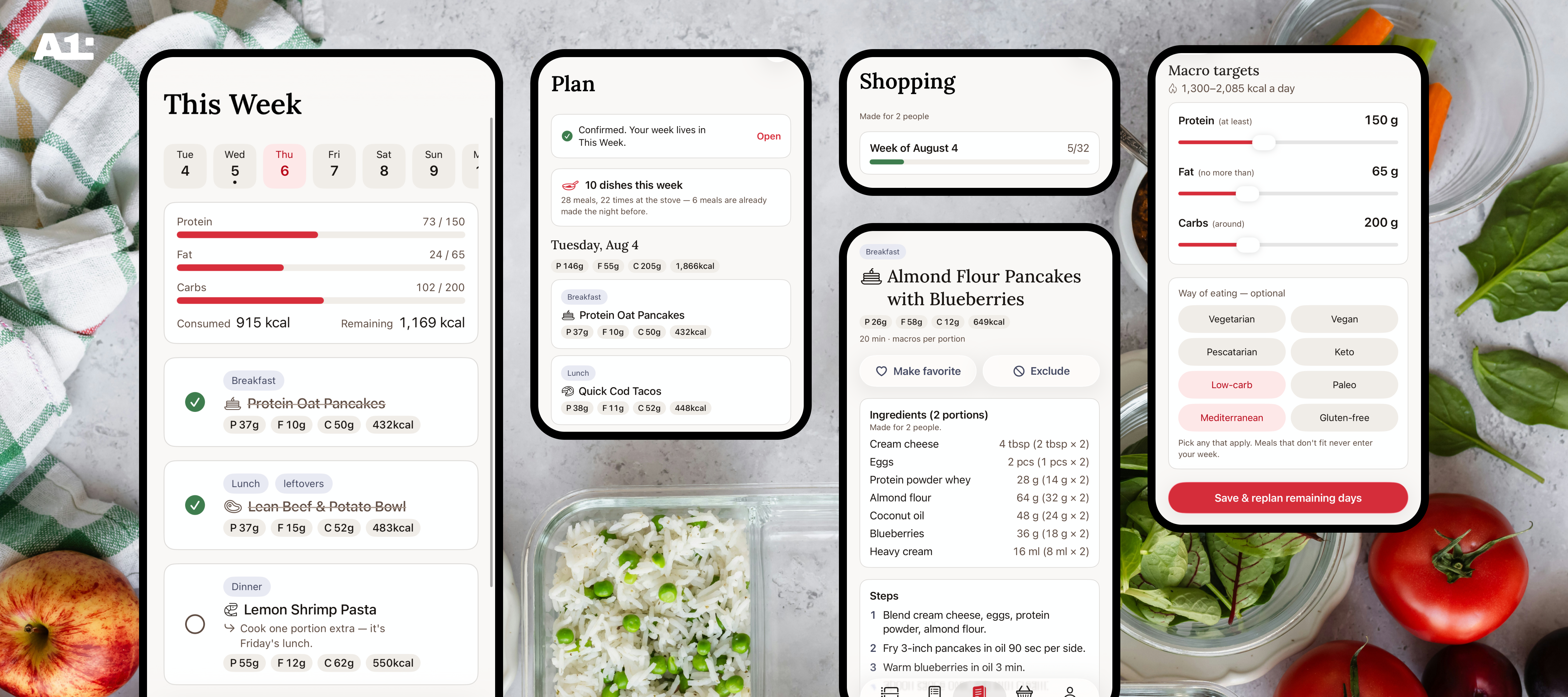

iOS and macOS app that builds a week of meals around your macro targets and turns it into one aisle-grouped shopping list. Designed brand-first in Figma — every color pair verified to WCAG AAA in light and dark — then shipped end-to-end in SwiftUI.
SwiftUI · iOS · macOS · WCAG AAA · Design system
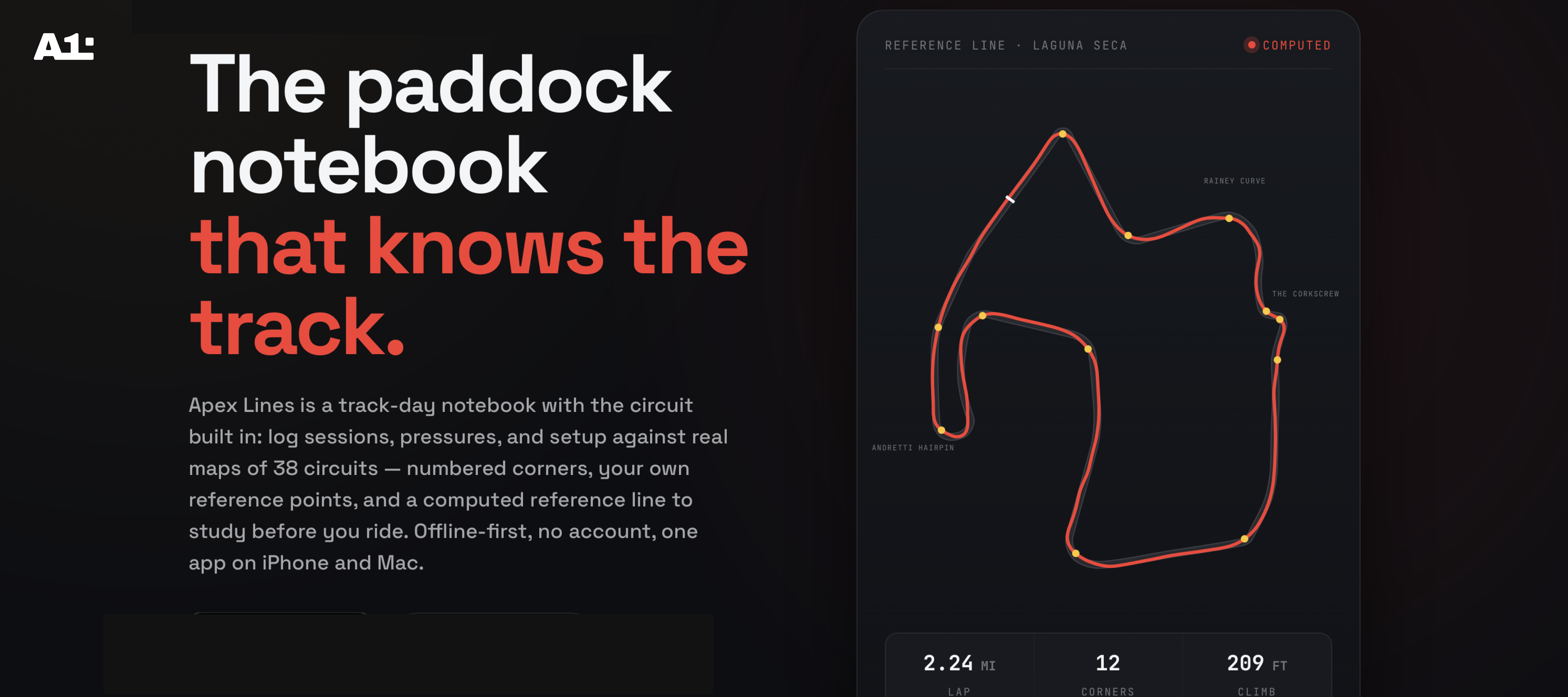
iOS and macOS app for track-day motorcycle riders — 38 real circuits, a racing line solved from each track's geometry, and a session notebook that logs one-handed at the track and opens as a full logbook on Mac. Designed and shipped end-to-end in SwiftUI.
SwiftUI · iOS · macOS · Maps & charts · Offline-first
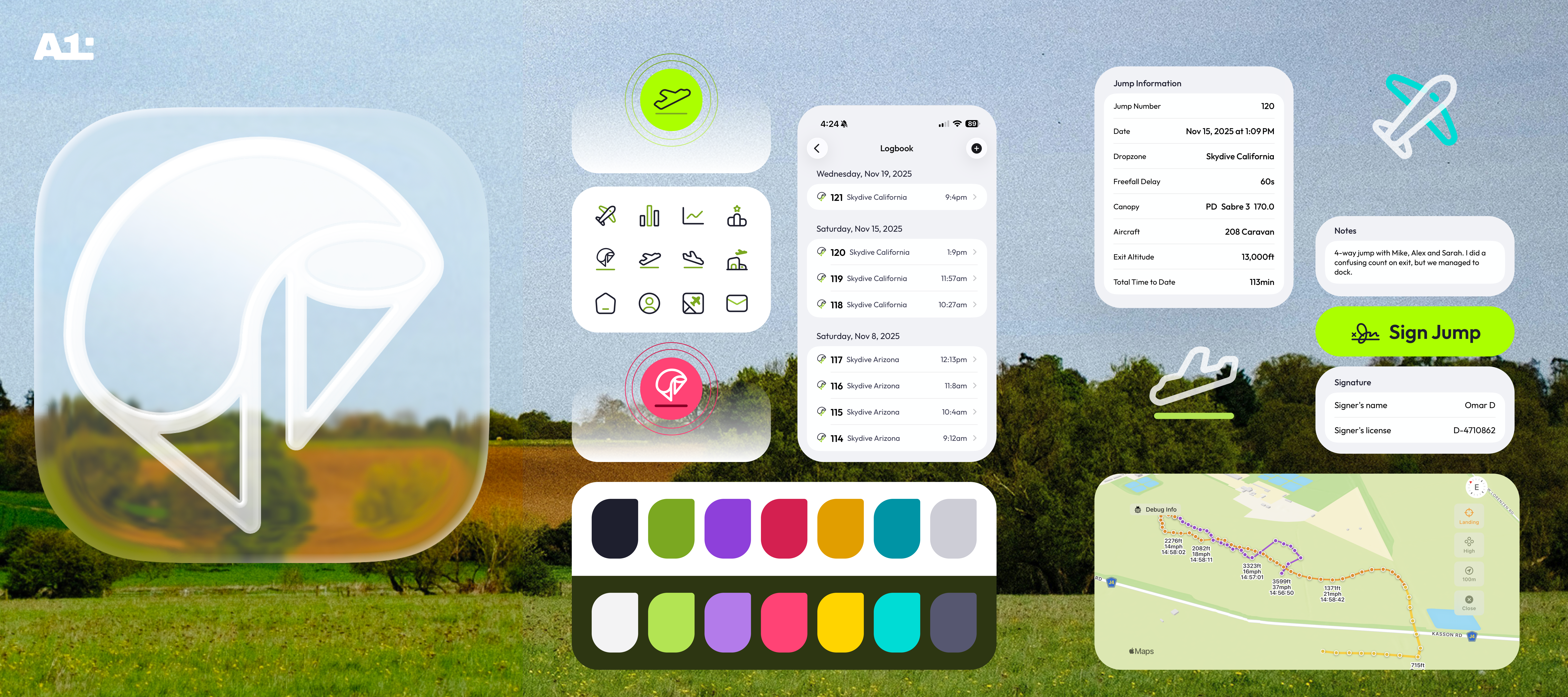

iOS/macOS production app — designed, prototyped, and shipped end-to-end in SwiftUI. Architected the component library, restructured workflows based on usability test findings.
SwiftUI · iOS · macOS · WCAG AA · Usability research
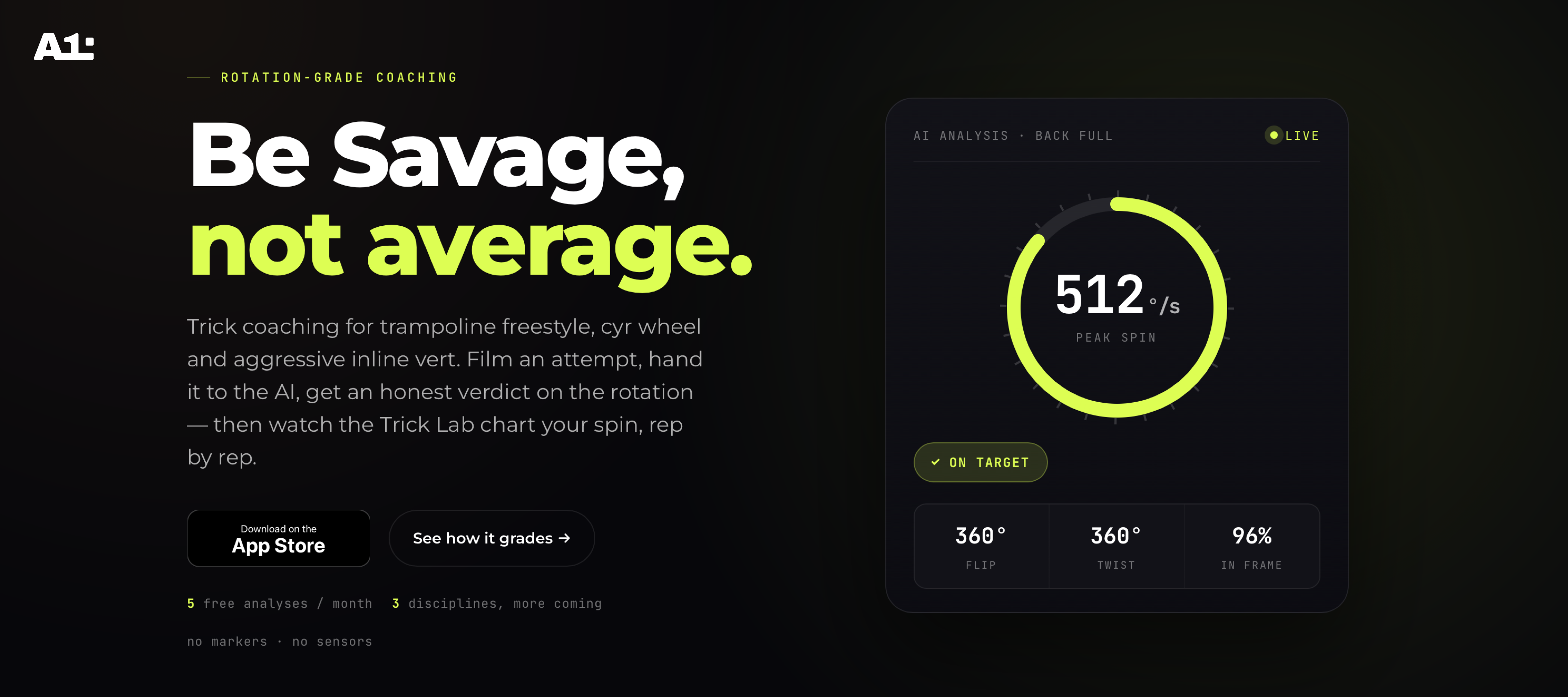
iOS app for trampoline, cyr wheel, and inline vert athletes — upload a trick attempt, get AI rotation analysis in seconds, and watch your spin trend in the Trick Lab. Designed and shipped end-to-end in SwiftUI: design system, frame-by-frame review player, and subscription flow.
iOS · SwiftUI · Firebase · AI trick analysis · Design system
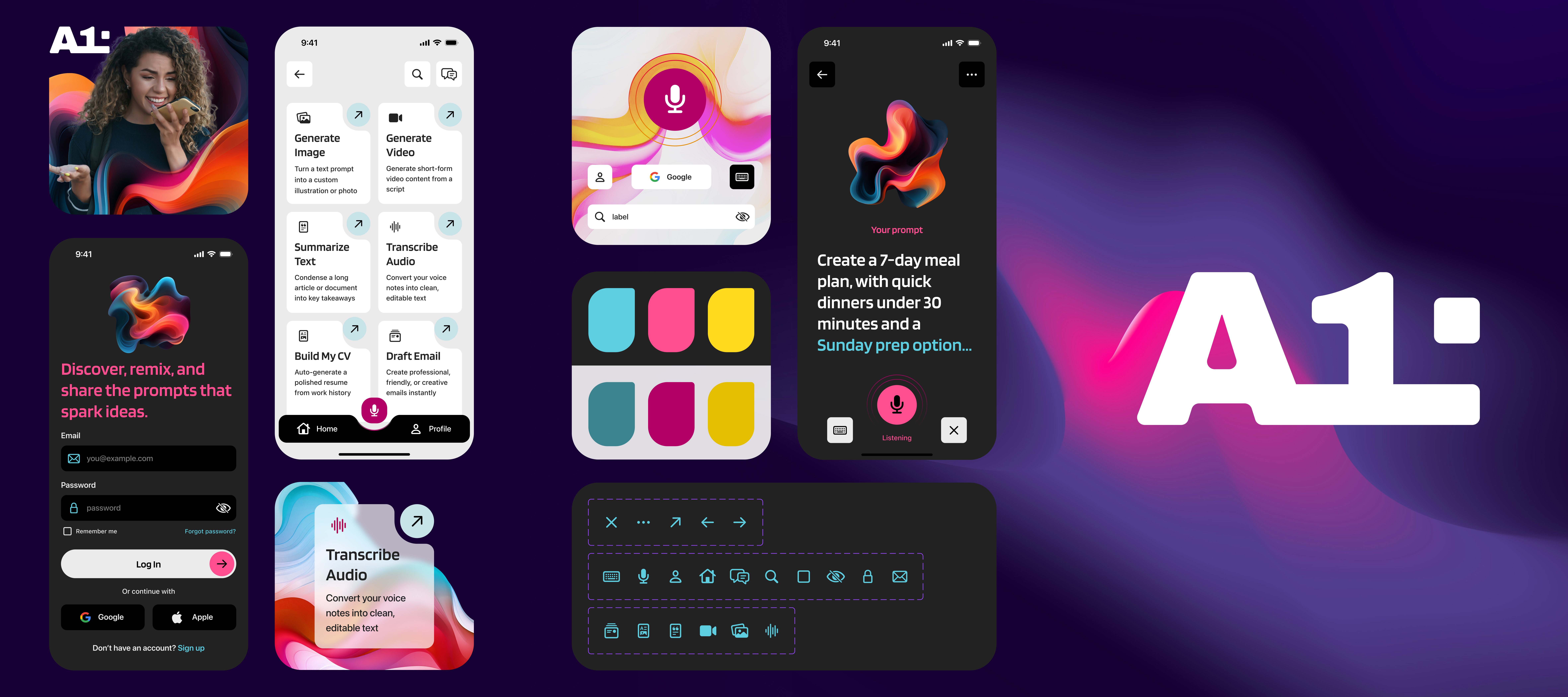
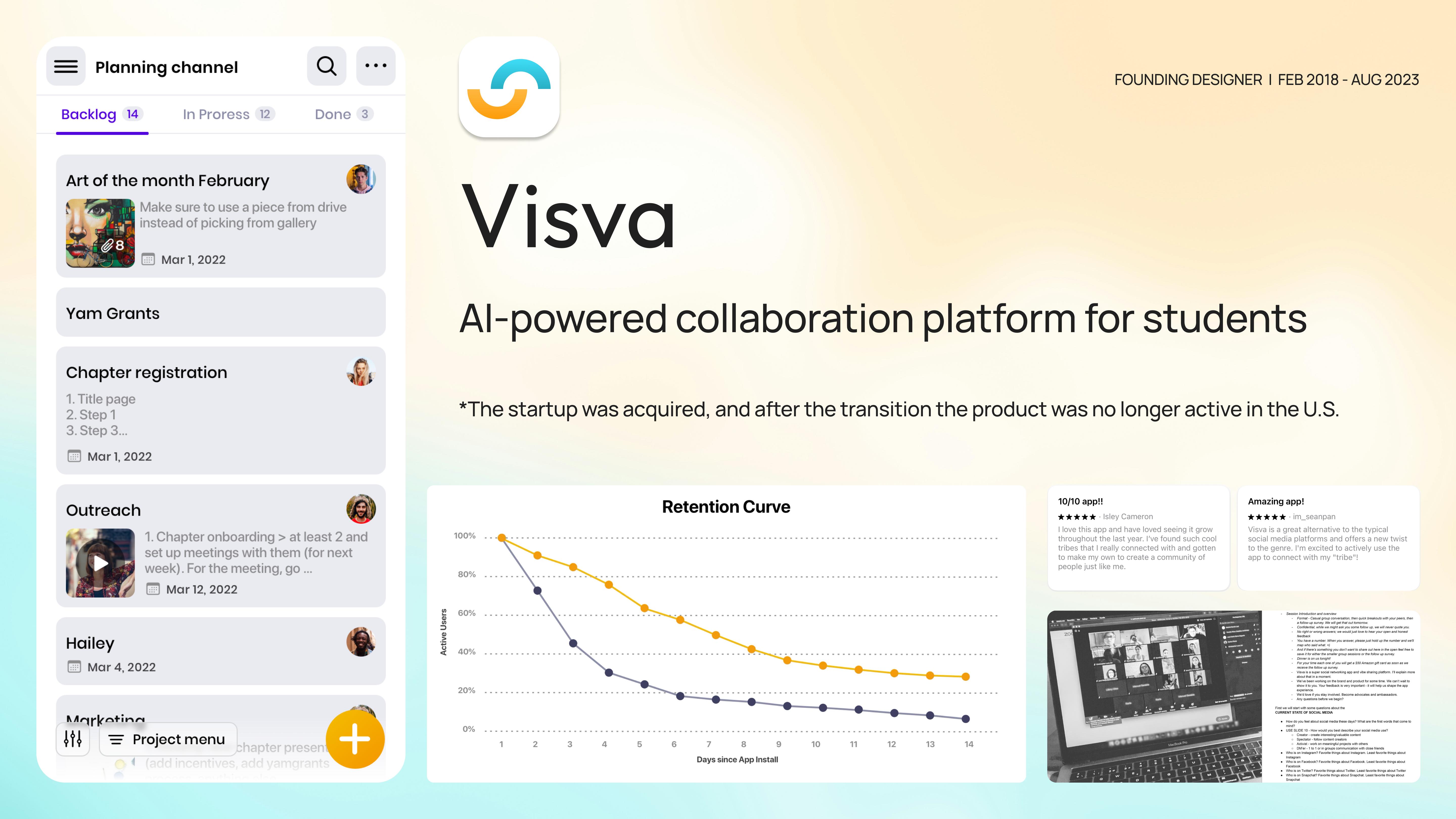
4 apps shipped (1 iOS, 3 cross-platform) — cross-platform design systems, WCAG AA–compliant flows, and moderated usability testing that directly shaped the product roadmap.

SwiftUI · Cross-platform · 1,400+ iOS components · WCAG AA



I rebuilt my design practice around AI.
Designers aren't experimenting with AI anymore — 91% of us use it weekly, and I'm no exception. It runs through everything I make: prototypes, visual craft, research. Three ways it shows up in my work.

Coding agents like Claude Code turned my mockups into working software. I go from idea to interactive prototype in hours, test real behavior instead of static screens, and ship production-ready front-end when it's the fastest path. Half of designers now push AI-generated code to production — I'm one of them.

Ideation, moodboards, asset generation, layout explorations, UI copy, documentation — I reach for AI at every step to explore more directions before committing to one. It buys back around four hours of production time every week, and I spend them where a human eye matters.

I hand the mechanical parts of discovery to AI: interview transcription, research synthesis, report drafts. AI use in user research more than doubled last year — and I get why. But I never hand over judgment: every AI insight passes my own review before it shapes a product decision.

I embed early — before the model is finalized — to shape how outputs get surfaced to users. I design for failure states, uncertainty, and trust from day one. Model capability defines the ceiling; UX defines whether anyone reaches it.
Writing on design, code, and craft.
Thoughts on native iOS design, building design systems, AI/ML UX, and what it means to ship work that actually matters.
For a digital product, the interface is not where the brand gets applied — it's where the brand gets built. The six channels a brand speaks through inside a web or mobile app, what Duolingo, Headspace, Stripe, Linear, and Mailchimp get right, and a working checklist for first launches vs. established products.
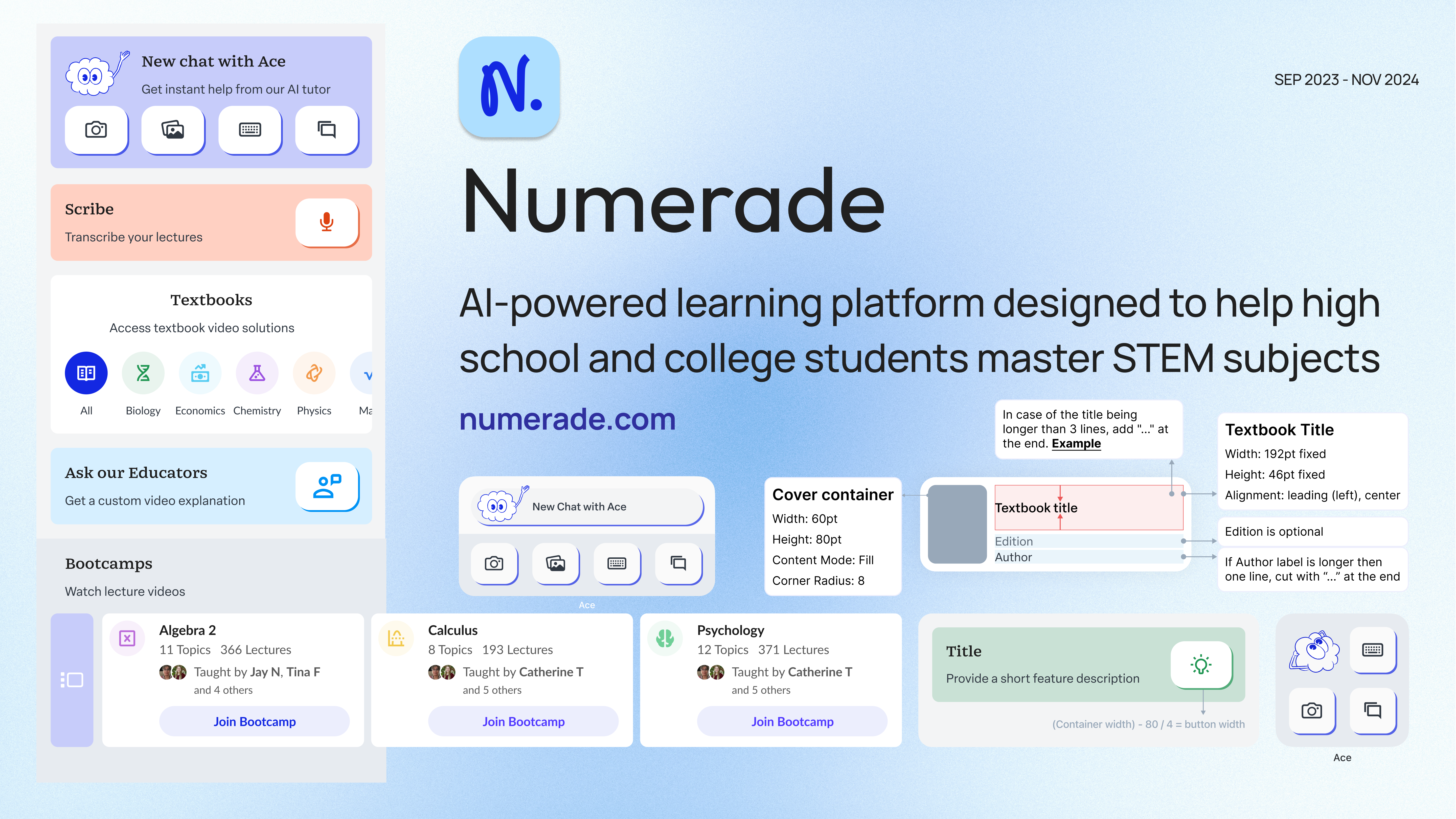
How clear principles lead to better design decisions. Two months inside Numerade — establishing product-specific design principles, governing the mobile branch of the design system, and giving designers, engineers, and PMs a shared vocabulary for the decisions that compound across an evolving ecosystem.
Building Numerade's mobile design system: a four-month, cross-functional effort with five engineers and one PM that cut UI-related bugs by 40%, eliminated the dev hours spent hunting specs, and unified the brand across iOS and Android.
Let's Build Something
Available for freelance and contract — San Francisco or remote. Best fit for teams that care about native quality.
Tell me what you're working on and where you're stuck. I'll come back with how I'd approach it and whether I'm the right fit — no pressure, no hard sell.